


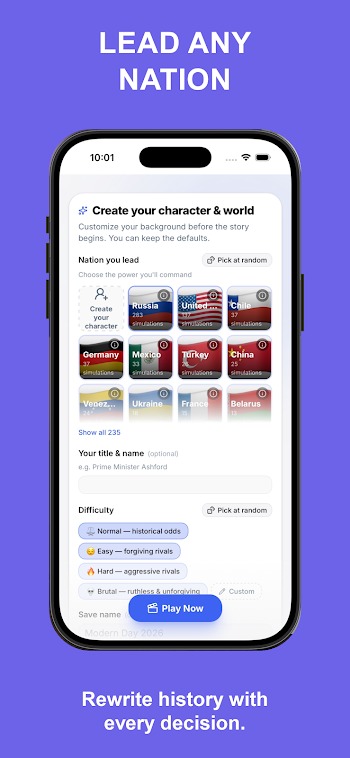
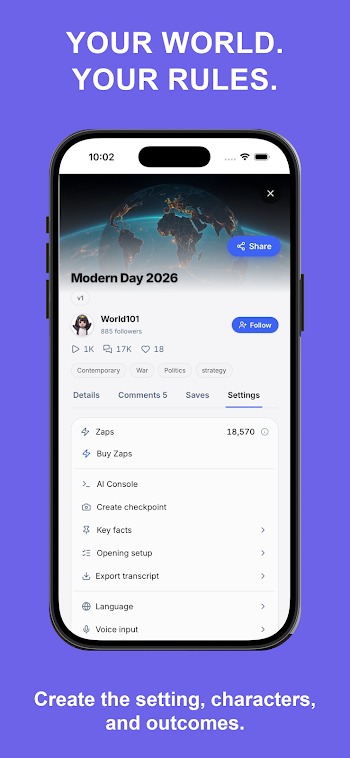
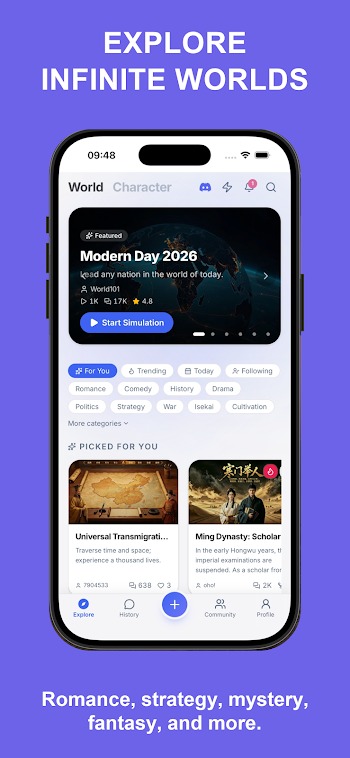
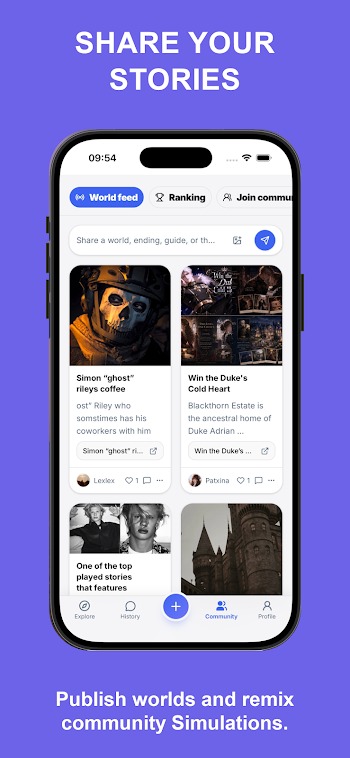
|
Name |
WorldOS |
|---|---|
|
Google Play Link |
GET IT ON
Google Play
|
|
Category |
Entertainment |
|
Developer |
Story Engine |
| Last version | 1.3 |
|
Updated |
|
|
Compatible with |
Android 7.0+ |
Introduction to WorldOS APK
WorldOS is a mobile system customization app designed for Android smartphones that transforms your default device layout into an interactive desktop-style launcher environment. The application converts standard mobile home screens into a multi-window ecosystem featuring floating panels, desktop shortcuts, taskbars, and quick-toggle widget hubs.
The primary purpose of this utility app is to streamline multitasking and app management on mobile devices. It lets you run multiple applications simultaneously inside resizable windows, manage local files through a desktop-style directory, and organize shortcuts across customizable workspaces. Quick control centers provide immediate access to Wi-Fi toggles, screen brightness sliders, and system resource monitors.
Several key features make operating this software practical for daily productivity. Built-in window snapping capabilities allow you to split your screen into multiple working zones effortlessly. The integrated file management system includes drag-and-drop file transfers, archive extraction tools, and direct cloud storage sync options. Theme customization controls let you adjust taskbar transparency, icon packs, and system fonts to fit your aesthetic preferences.
Main benefits focus on enhancing device efficiency and workspace organization. Transforming standard grid layouts into floating window setups enables smooth workflow switching between chat apps, browser tabs, and note documents. Additionally, connecting your smartphone to an external display converts your phone into a portable computer workstation without needing desktop hardware.
On the downside, managing multiple active floating windows requires solid hardware performance. Older or entry-level Android devices may experience occasional frame drops or elevated battery drain during heavy multitasking sessions. Certain third-party apps designed strictly for vertical mobile screens may display black sidebars when opened inside floating horizontal windows.
This launcher utility suits tech enthusiasts, mobile power users, and remote workers who need desktop productivity functions on their phones or tablets. It works exceptionally well when writing documents, managing file archives, or running side-by-side research windows while connected to a Bluetooth keyboard and mouse.
FAQs WorldOS
What is WorldOS APK?
+
WorldOS APK is an Android system launcher app that converts your phone's standard mobile screen into a desktop-style interface complete with floating windows and taskbar navigation.
Can I run multiple apps at the same time in WorldOS APK?
+
Yes, WorldOS APK allows you to open, resize, and run multiple mobile applications simultaneously inside floating desktop-style windows on your screen.
Does WorldOS APK work when connecting my phone to a monitor?
+
Yes, WorldOS APK functions smoothly when connected to external monitors or TVs via HDMI or wireless display, turning your smartphone into a portable desktop workstation.
Will WorldOS APK drain my smartphone battery faster?
+
Because running multiple active floating windows increases processor usage, WorldOS APK can consume more battery power than default light static launchers.
Is root access required to install and use WorldOS APK on Android?
+
No, WorldOS APK installs like a standard Android launcher app and does not require rooting your device to access its core multitasking features.
Discover More Interesting Apps
-

Prime TV
v2
5.93 Mb
Updated -
Hd Streamz
v2.0
22 MB
Updated -
GreenTuber
v0.2.0.1
30.60 Mb
Updated -
Mod
Sea Soul
v1.9.0.1792118632
173.17 Mb
Updated -
BIMOBIMO
v2.54.0
256.41 Mb
Updated -
Mod
Rosytalk
v3.9.28
106.05 Mb
Updated -
Eleph TV
v1.0.2
56 MB
Updated -
Thmanyah
v1.38.0
79.80 Mb
Updated -
Inova TV
v1.0
10 MB
Updated -
Mod
Patreon
v126.42.0.13
123.16 Mb
Updated










Share Your Thoughts